
What to Do If Your Call Quality to India Suddenly Drops (2026 Guide)
Robotic voice, heavy echo, sudden lag, or random drops? Here are the exact fixes that solve 95% of India call quality problems in under 2 minutes.
1,350 words · 14 min read · Updated March 2026
One moment the call is crystal clear. The next, your mom sounds like a robot, there’s massive echo, or the line keeps cutting out. This sudden drop in call quality to India is incredibly common in 2026 — even with 5G everywhere. The good news? Most issues have quick, simple fixes.
At Dial91, we help thousands of users every week troubleshoot these exact problems. Here are the top causes and the fastest ways to fix them.
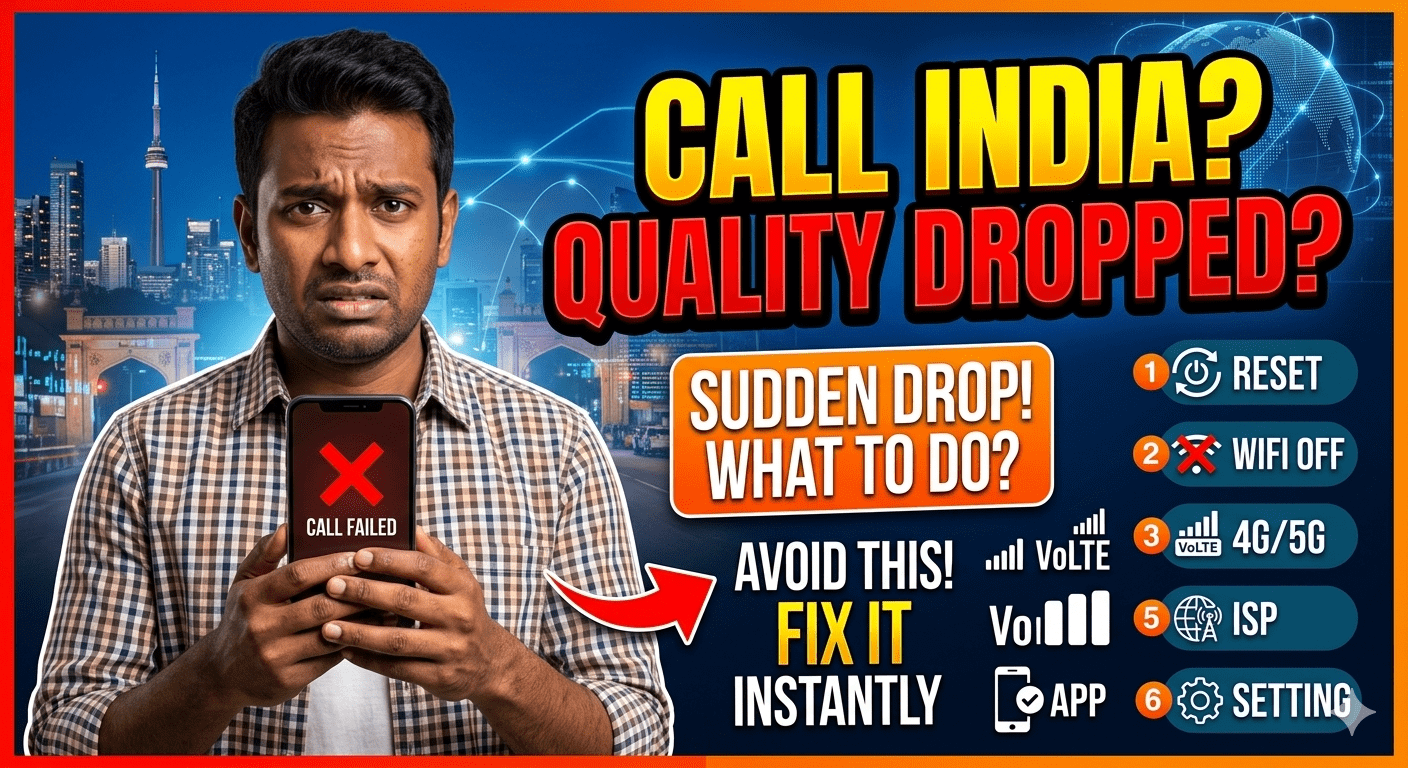
Top 10 Causes & Instant Fixes (Start from the Top)
1. Unstable Internet (Most Common by Far)
Even 5G can spike in latency or packet loss.
- Run a speed test (fast.com or speedtest.net) — need ≥8 Mbps upload + ping ≤60 ms
- Switch to 5 GHz Wi-Fi or mobile data
- Restart router or move closer to it
- Close background apps using bandwidth (Netflix, downloads, etc.)
2. Wi-Fi Congestion or Interference
- Switch from 2.4 GHz to 5 GHz band
- Turn off nearby Bluetooth devices or microwaves
- Use a wired Ethernet connection if possible (best quality)
3. App or Browser Cache/Outdated Version
- Update the Dial91 app (or refresh browser tab)
- Clear cache & cookies if using web version
- Force close and reopen the app
4. Device Overheating or Low Battery
- Let the phone cool down
- Charge above 20% or plug in
- Disable battery saver mode (it throttles data)
5. Peak Time Network Congestion in India
- Call 1–2 hours earlier or later (especially evenings or festivals)
- Switch to audio-only instead of video
- Use a service with smart routing like Dial91
6. VPN or Firewall Blocking
- Turn off any VPN temporarily
- Disable firewall or security apps while testing
7. Background Noise Cancellation Overworking
- Disable noise cancellation in the calling app settings
- Move to a quieter room
8. Outdated Device or OS
- Update your phone’s OS and calling app
- Restart the device completely
9. Carrier or Network-Specific Issue
- Toggle airplane mode for 10 seconds
- Switch between Wi-Fi and mobile data
10. Service Routing Problem
- Switch to a different calling method (local access number or callback)
- Test with WhatsApp as a quick backup
- Try a premium VoIP service like Dial91 with better India routing
Quick 60-Second Checklist
- Speed test passed? ✓
- Wi-Fi 5 GHz or wired? ✓
- App updated & restarted? ✓
- VPN off? ✓
- Device not overheating? ✓
Most quality drops disappear with Dial91.
Smart routing, echo cancellation, and auto-reconnect.
1.5¢/min or unlimited $9.99/mo.
→ Fix Your India Calls Permanently
Final Thoughts
Sudden drops in call quality to India are almost always fixable in under two minutes. Start with internet stability and app updates — these solve 80% of cases. For recurring problems, the real fix is switching to a modern VoIP service like Dial91 that automatically handles congestion, latency, and drops better than traditional apps.
Don’t suffer through bad calls. Test the fixes above, and if issues continue, try a service built for reliable India calling.
Priya Sharma
Call Quality Troubleshooting Specialist at Dial91
Priya helps users quickly restore crystal-clear calls to India every single day.


